Staff and visitor access
Organise credentials and entry permissions for employees, approved visitors and other authorised users.

Bring staff access, visitor entry and facility oversight into a more connected workflow. Luchismart combines cloud-managed access control with compatible smart hardware and the Luchismart GO App to help authorised teams manage who can enter, when they can enter and how access is recorded.


Government offices, agencies and parastatals need practical ways to manage entry across offices, departments and restricted areas. Luchismart helps bring access credentials, schedules and activity information into a managed system, reducing reliance on disconnected manual processes.
Configure the capabilities that fit your buildings, access policies and operating requirements.
Organise credentials and entry permissions for employees, approved visitors and other authorised users.
Use compatible credentials such as mobile access, RFID cards, PINs, fingerprints or face recognition where supported by the selected device.
Support visitor communication and visual verification with compatible intercom and surveillance integrations.
Review supported attendance events and apply time-based access rules to help align entry with operational schedules.
Give authorised administrators a clearer view of recorded access activity for operational review and internal processes.
Plan a consistent access approach for multiple buildings or departments, subject to the deployment design and supported connectivity.
Choose compatible components around your entry points, security policies and administration needs.

Controller hardware for coordinating supported access devices and door configurations.
Explore controller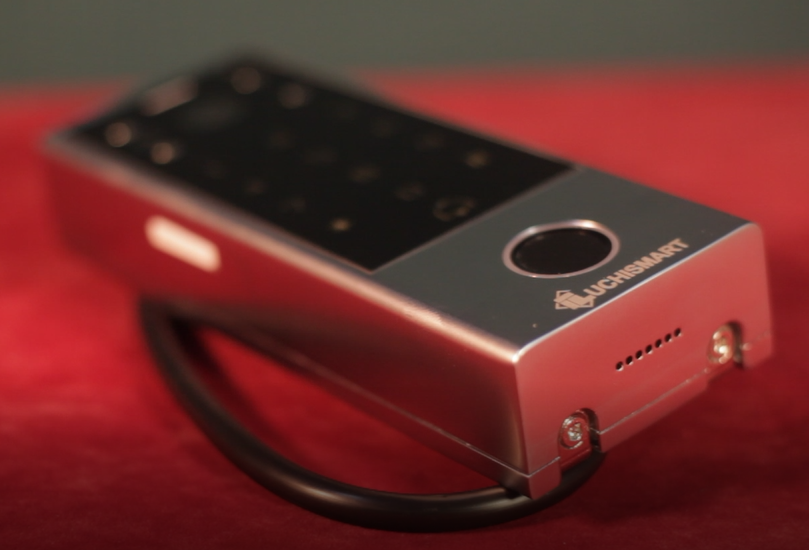
A connected smart access solution for deployments requiring supported device integration.
Explore VisualPro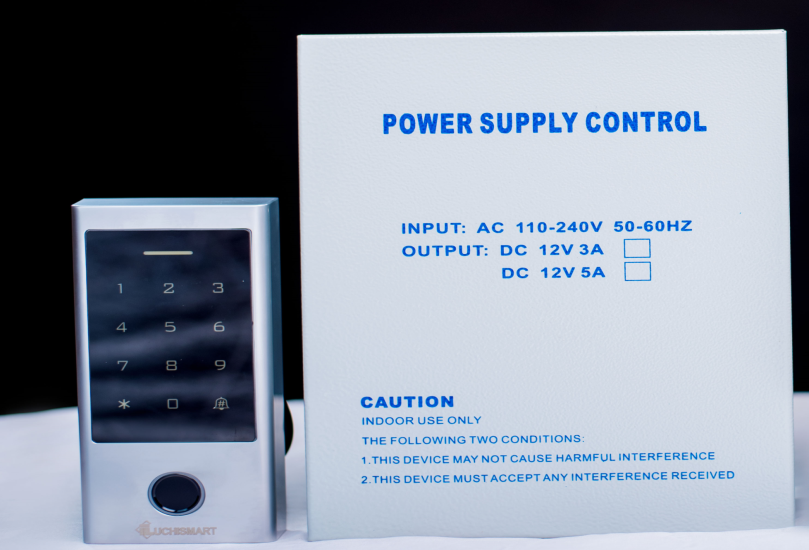
Modern reader options for configured authentication methods at doors and controlled entrances.
Explore smart readers
A smart lock option for suitable doors and access scenarios within the approved deployment.
Explore Biolock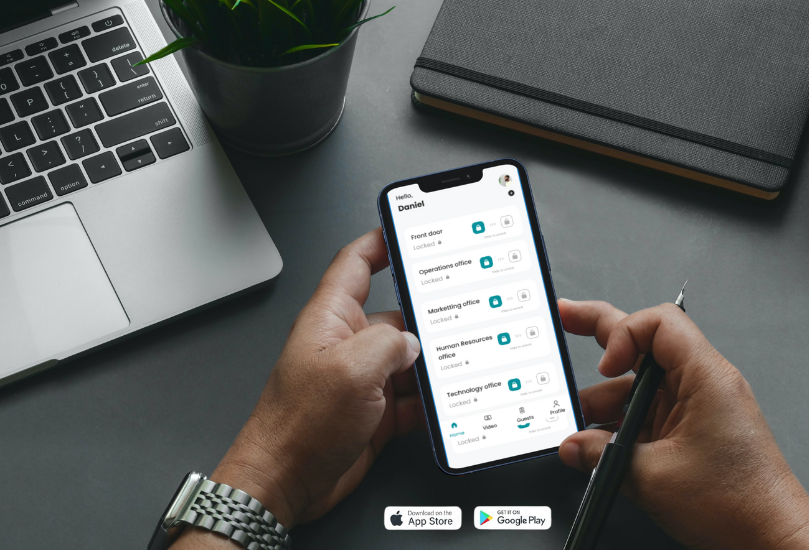
Mobile access workflows for users and visitors where enabled by the organisation's system configuration.
Explore mobile access
Manage supported credentials, access rules and system activity through the software platform.
Explore the softwareEach implementation should be planned around the agency's buildings, entry points, policies and IT environment.
Identify entry points, restricted zones, visitor flows, user groups and operational requirements.
Select suitable readers, locks, controllers, software and integrations for the site.
Install compatible equipment, set access roles and schedules, and test agreed workflows.
Onboard administrators and authorised users, then manage access according to agency policy.
Where enabled for your deployment, the Luchismart GO App supports a convenient mobile access experience. Agencies retain control over the credentials, permissions and device configuration used for their environment.
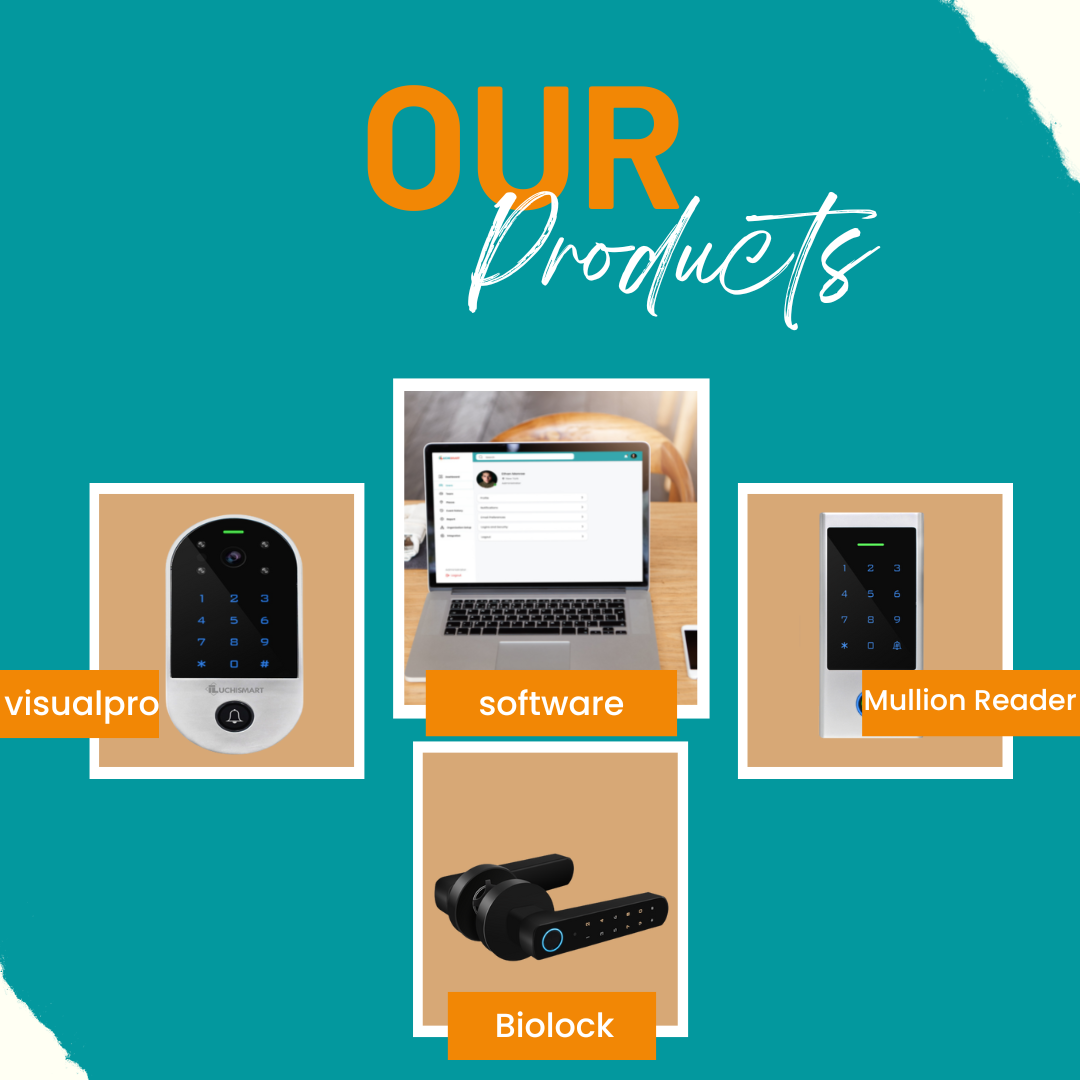
Explore common considerations before planning a public-sector deployment.
Luchismart helps authorised teams manage door access, staff and visitor credentials, access schedules and activity records through a centralised access management platform. The final configuration depends on site requirements and selected components.
Supported access events and configured attendance features can help authorised administrators review staff entry, exit and attendance records. Confirm the required reporting and integrations during the solution assessment.
Yes, mobile access workflows can be supported, including the Luchismart GO App where enabled for the organisation and its installed hardware.
A cloud-managed deployment can help authorised administrators manage supported sites and permissions centrally. The appropriate architecture depends on the number of locations, connectivity, security requirements and selected devices.
Compatible Luchismart readers can support different authentication methods. The exact options vary by hardware model and installation, so confirm the required credentials when specifying the system.
Use the instant quotation link to start a pricing request or contact Luchismart to arrange a demonstration tailored to your facilities and operational needs.
Discuss your entry points, staffing needs and security objectives with the Luchismart team to identify an appropriate configuration for your agency.