Fingerprint authentication
Use the supported capacitive fingerprint sensor to provide biometric access for enrolled users.

Bring secure, flexible entry to your workplace or property with the Luchismart Mullion Smart Keypad Reader. Combine supported credentials with Luchismart Access software to manage permissions, review access activity and streamline attendance workflows.
Mobile access support, including the Luchismart GO App experience where enabled by your deployment.
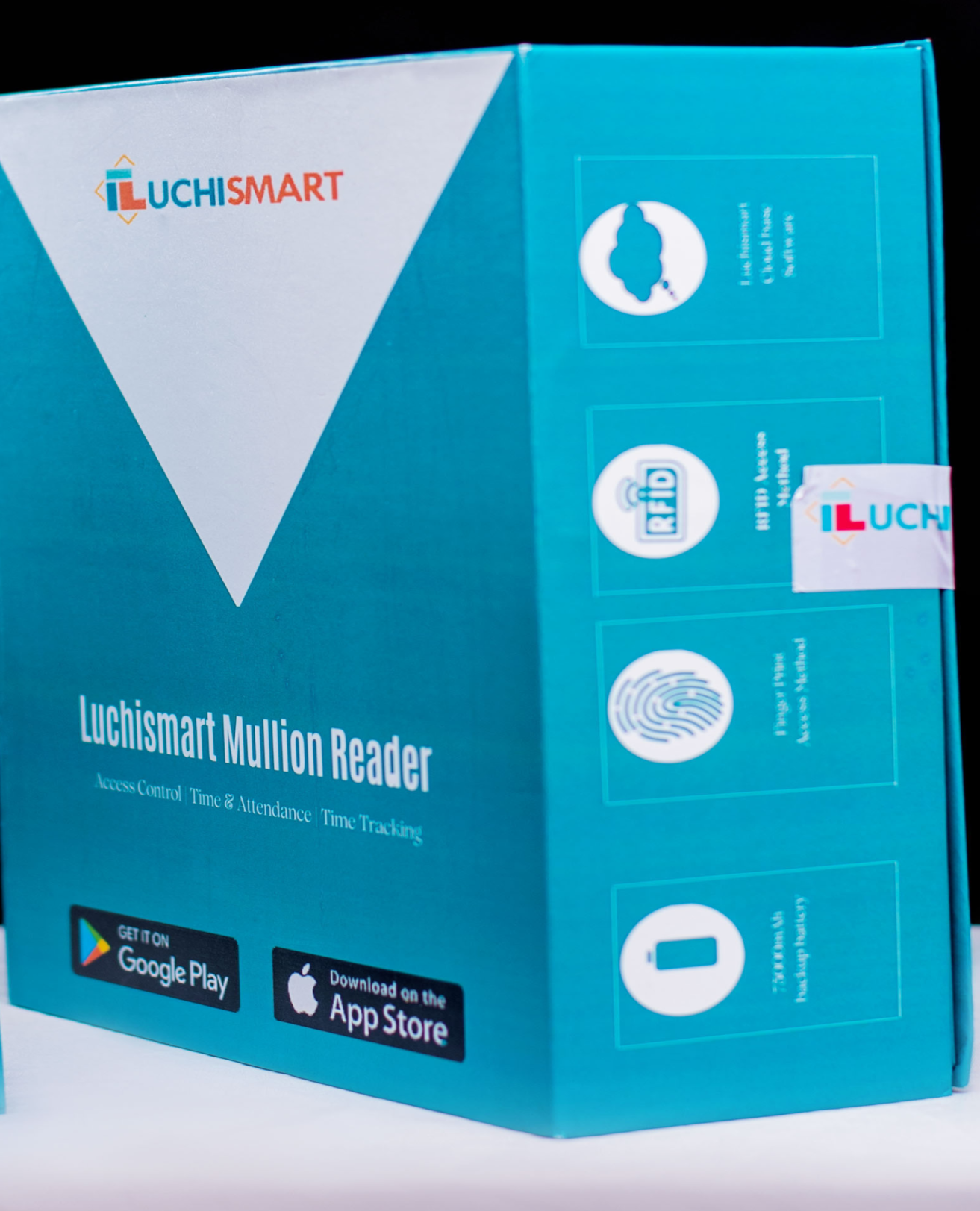
The Luchismart Mullion Smart Keypad Reader is designed for access control and time-and-attendance environments. Its keypad and display-led design supports convenient credential entry, while compatible Luchismart software helps administrators manage people, access schedules and recorded events.
Use it as part of a wider access solution for offices, commercial buildings, schools, hospitality sites and managed properties. Confirm the exact reader configuration, credential compatibility and connectivity requirements for your installation before ordering.
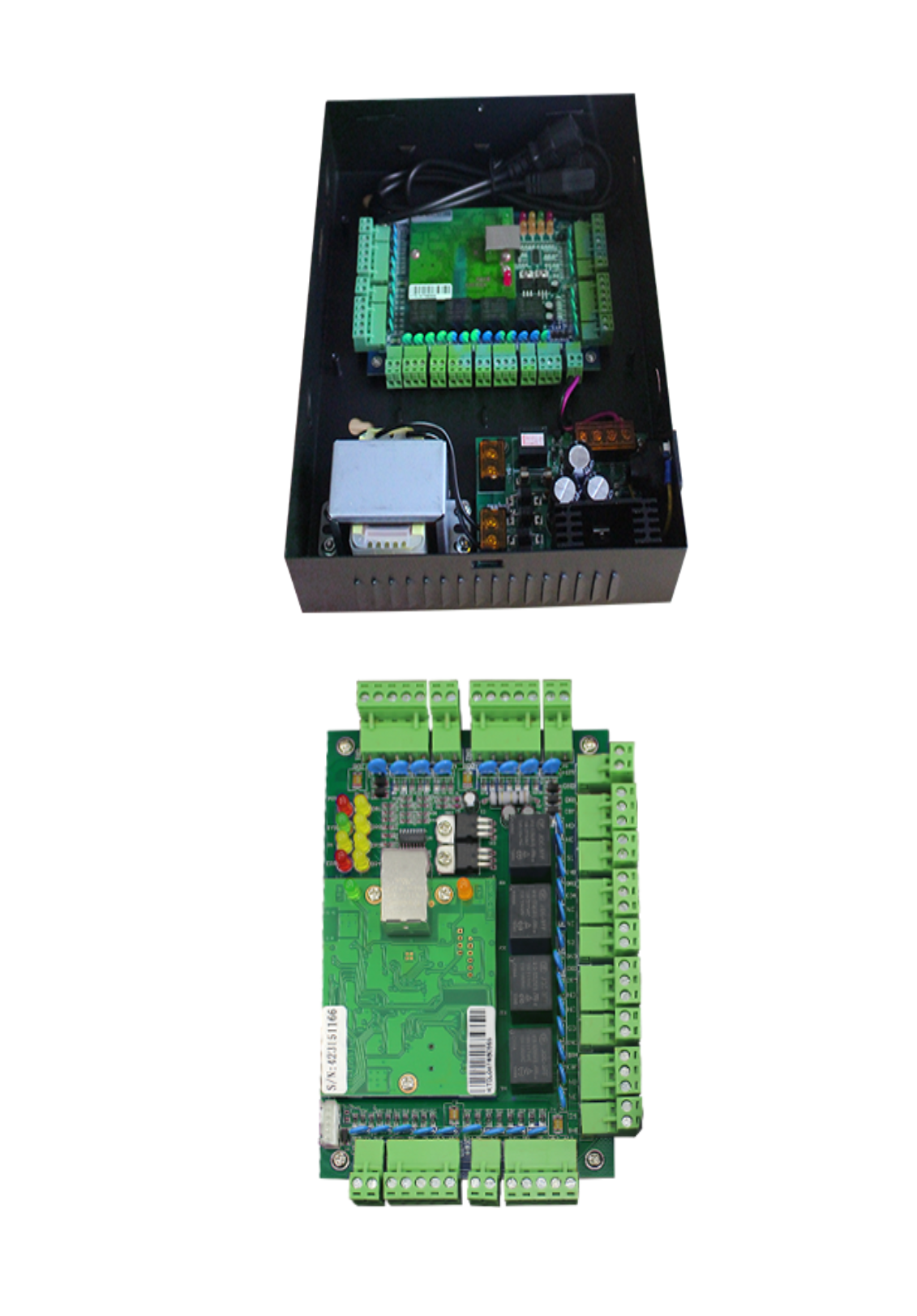

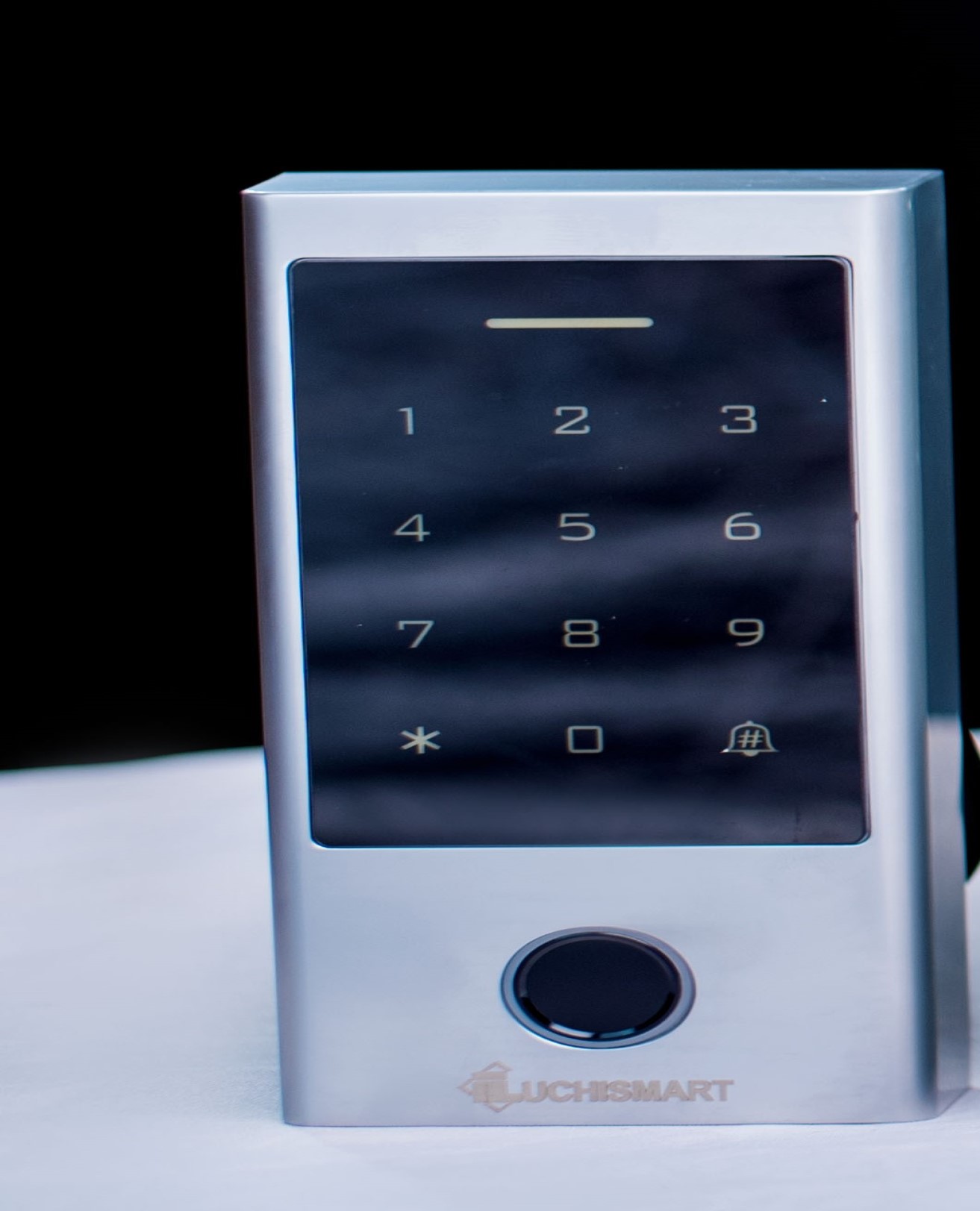
Choose an access experience that fits your site policy. Features may depend on the reader variant, system configuration and connected Luchismart software.
Use the supported capacitive fingerprint sensor to provide biometric access for enrolled users.
Provide PIN-based entry where enabled, including temporary or time-limited codes when supported by the system setup.
Support compatible EM or MIFARE card types according to the reader variant supplied for your project.
Where supported and configured, mobile access through the Luchismart GO App can complement physical credentials and help make entry more convenient.
Set access restrictions around user roles and approved schedules through compatible access management software.
Review available opening records and access events to support site oversight, investigations and operational reporting.
Connect with Luchismart Access for centralized user, permission and report management, subject to deployment configuration.
Remote operation and connectivity depend on the installed network, device version and supported system setup.
The supplied product information specifies a metal housing, anti-vandal design and IP66 water-resistance rating.
*Confirm optional functions, connectivity, facial recognition availability and mobile credential compatibility against the exact model and quotation. Not every feature is necessarily available on every variant.
Pair compatible reader hardware with a well-planned access policy to help reduce manual administration and give your team a clearer view of who can enter controlled areas.
Organize user credentials, access rights and permitted times in the compatible management platform.
Include the Luchismart GO App in your user experience when mobile access is supported and enabled for the deployment.
Use available entry records and connected time-and-attendance workflows to support attendance review.
Use reports and event history from the connected system to support access administration and operational decisions.
A typical installation begins with site requirements and ends with tested credentials and administrator handover.
Confirm door type, security needs, credential policy, network availability and compatible locking hardware.
Have the reader and supporting access-control components installed and configured by a qualified technician.
Set up approved credentials, user permissions and schedules in line with your access policy.
Test authorized and restricted access, check event records and train administrators on routine use.
Use the following product information as a starting point. Confirm model-specific technical details and included accessories before procurement.
Manage entry to offices, staff-only areas, equipment rooms and other controlled spaces.
Support controlled entry for staff and authorized users with scheduled access policies.
Help restrict access to selected work areas according to organizational roles and procedures.
Use compatible access-control workflows for shared doors and managed facilities.
Answers to common questions about compatibility, credentials and deployment.
It is an access-control reader designed to authenticate users through supported credential methods and work with compatible access-control hardware and software.
The supplied product information lists fingerprint, PIN, EM or MIFARE cards and mobile access. Exact options depend on the model variant and configuration.
It can support time-and-attendance workflows when integrated with a compatible Luchismart system and configured for the organization's requirements.
The product page identifies Luchismart Access as the associated software. Confirm the exact model, connectivity and integration requirements with Luchismart before purchase.
Mobile access may be available where the reader version and deployment support it. Confirm that the Luchismart GO App mobile credential feature is included and enabled for your setup.
The supplied information states an IP66 rating and metal anti-vandal housing. The installer should still assess the location, exposure, mounting method and installation requirements before deployment.
The supplied product details mention time restrictions and temporary passwords, including one-time or period codes. Availability can depend on software and device configuration.
Use the product manual link on this page for the available documentation, or open the instant quotation page to discuss your project and receive pricing based on your requirements.
Tell us about your doors, user volume, credential preferences and attendance requirements. The Luchismart team can help you identify a suitable reader configuration and compatible system components.