RFID cards and fobs
Offer staff and approved users a familiar tap-to-access credential. RFID cards and fobs can be useful for offices, shared facilities, and managed properties.

Luchismart brings convenient access options together with cloud-based access management. Choose the credential types that fit your doors, people, and operating procedures—from mobile access and RFID to PINs and supported biometric readers.
Use the Luchismart GO App where supported by your configured solution.

Combine the access methods supported by your Luchismart hardware and deployment. Availability can vary by device model and configuration.
Offer staff and approved users a familiar tap-to-access credential. RFID cards and fobs can be useful for offices, shared facilities, and managed properties.
Where enabled, use a compatible mobile app to make access more convenient and reduce reliance on physical keys. Luchismart GO App supports the connected user experience for applicable deployments.
Compatible biometric readers can verify users through supported fingerprint or facial recognition features. Confirm the exact capabilities of the selected device.
PIN entry can provide an alternative credential. For visitor access, temporary codes may be configured where supported, helping hosts provide time-limited entry.
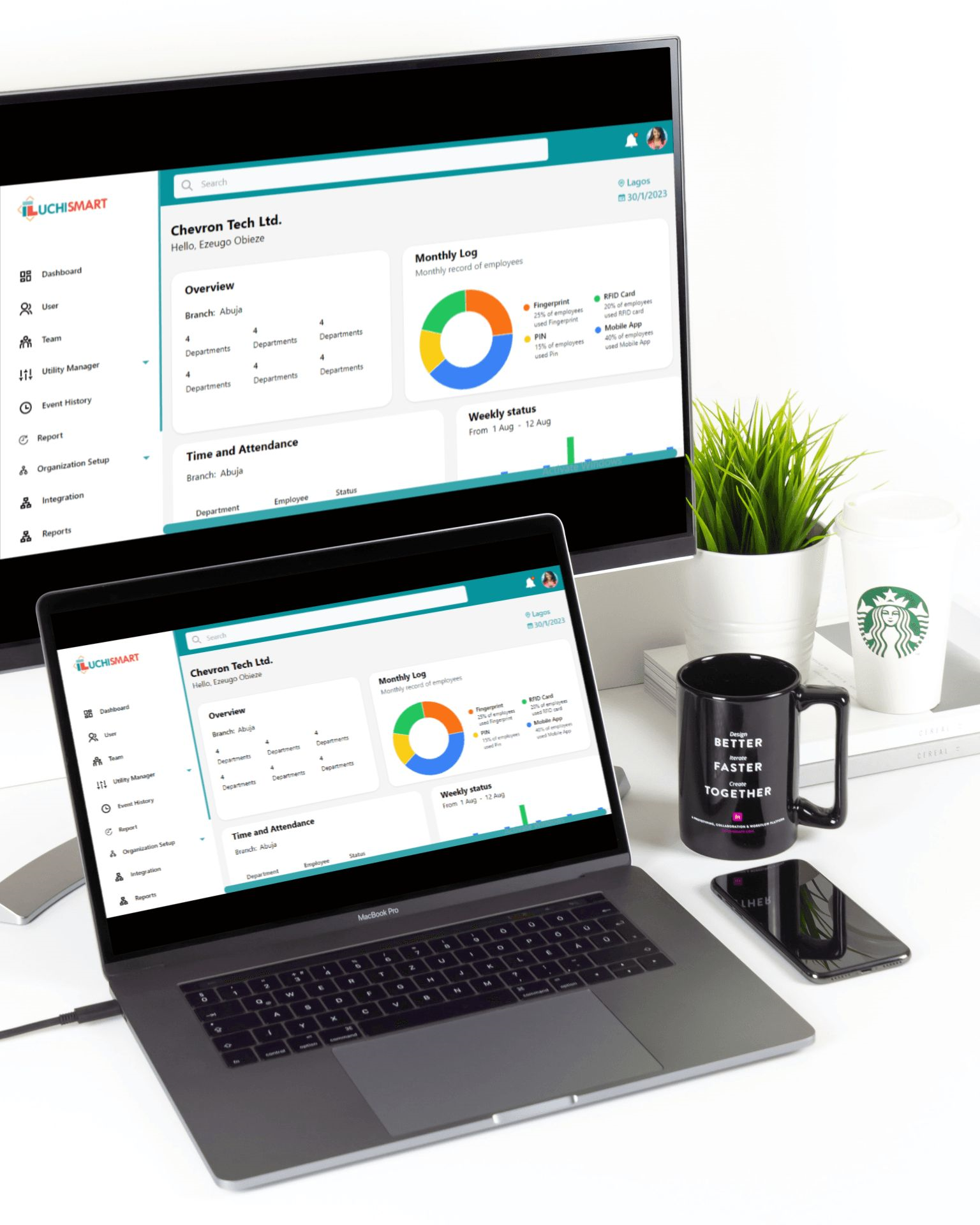
Access methods work best as part of a well-planned access control system. Luchismart cloud software is designed to help administrators manage access permissions and review activity from a central interface, according to the features enabled in their deployment.
A successful deployment starts with matching the access method to the people, entry points, and security policy of your facility.
Identify whether your users need mobile access, RFID credentials, PIN entry, biometric verification, or a combination of supported methods.
Set up authorised users, access rights, schedules, and visitor procedures in line with the features of your Luchismart system.
Use the available cloud management tools to administer access and review activity. Have the system installed and commissioned by a qualified installer.
Different environments have different entry requirements. A mix of access methods can help support daily operations while keeping permissions centrally managed.

Key considerations when choosing credentials for your Luchismart access control system.
Depending on the device and configuration, methods may include RFID cards or fobs, mobile app access, PIN codes, fingerprint recognition, and face recognition. Confirm the exact features of the selected hardware before deployment.
Mobile access is available for compatible configurations. The Luchismart GO App can support the connected user experience where it is enabled for your solution. Ask your administrator or installer to confirm compatibility and setup.
Temporary PINs may be available on compatible devices and configured deployments. Availability, expiry options, and restrictions depend on the selected product and system settings.
No. Biometric options depend on the hardware model. Check the product specifications to confirm whether fingerprint or face recognition is supported.
A deployment can be designed around multiple supported credentials, but the combination depends on device capabilities, door hardware, software configuration, and your access policy.
Use a qualified Luchismart technician or authorised installer to assess the entry points, install the hardware, configure access permissions, and test the system.
Tell us about your doors, users, and preferred credentials. Our team can help you identify a suitable Luchismart configuration.